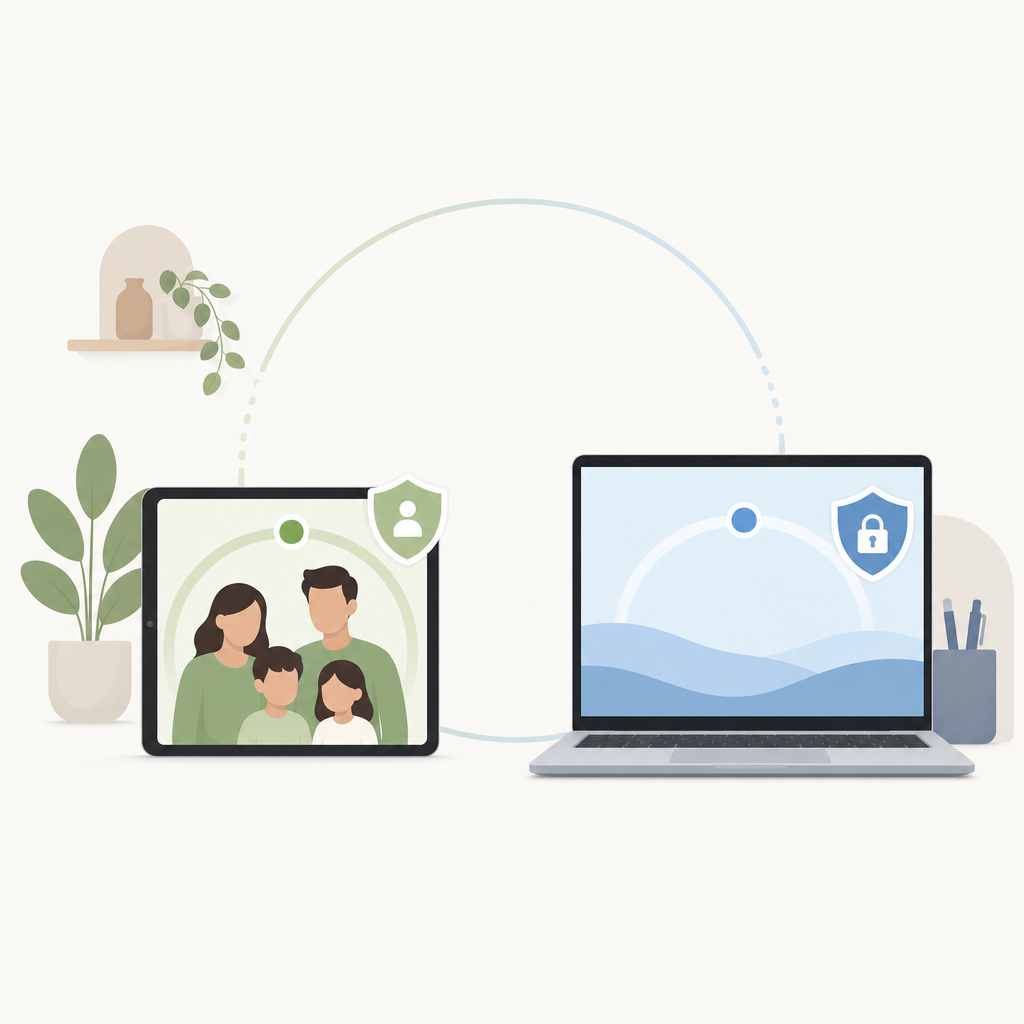
Short answer: Online activity monitoring works best when it is treated as a shared safety signal, not a hidden control system. Monitor agreed activity patterns, discuss them on a schedule, and leave private message content alone unless everyone involved has clearly agreed and the law in that place allows it. A tool can show presence, usage windows, app categories, or status cues; it should not promise to break encryption or read private accounts behind someone's back.
A realistic example: a parent notices that a 13-year-old is active after midnight on school nights. The useful question is not, did she touch a phone? It is, what boundary helps her sleep and still gives her enough privacy to grow. For a small company, late-night status pings might raise a different question: overload, poor planning, or flexible hours?
What is online activity monitoring in plain terms?
Online activity monitoring is the practice of observing agreed digital signals, such as active status, screen time, usage patterns, or device sessions, so a family or team can understand behavior over time. It is not the same as reading private messages, recording calls, or breaking into accounts.
For this article, Activity Monitor, Suna, and Luna are treated as the consumer-app context for online-status and activity-awareness use cases. The useful lane is narrow: notice patterns without turning ordinary life into covert surveillance. When is a child usually online? Is screen time pushing into sleep? Are status cues creating pressure at work?
Modern platforms usually protect private communication by design. Consent-based tools cannot responsibly promise to read encrypted message content, bypass account security, expose someone's private account, or recover deleted chats unless the platform itself has given authorized access. If an app claims secret access to secure services, treat the claim as a security and legal warning.
Claim: Healthy monitoring measures patterns people have agreed to share, not hidden access to private content.
Evidence: How we checked on June 3, 2026: we reviewed the post context that names Activity Monitor, Suna, and Luna and kept feature language to general signals: online presence, screen-time windows, app/category use, device sessions, and status changes. We did not independently test live store listings, countries, devices, versions, or message access.
Limit: Activity data can explain timing and frequency, but it rarely explains intent on its own.
Action: Pair the data with a written boundary and a regular check-in.
When does monitoring help without becoming surveillance?
Monitoring helps when the person being monitored knows what is collected, why it is collected, who can see it, and when it stops. It becomes surveillance when it is secret, open-ended, punitive, or used to control private life rather than solve a defined problem.
A good test is the dinner-table test. Could you describe the setup out loud, in plain language, without softening the wording? If the answer is no, the plan probably needs work.
For families, the healthiest use cases are usually practical: bedtime boundaries, device-free homework blocks, shared visibility for younger kids, and early signs that online time is crowding out sleep or school. Family tracking should grow lighter as trust and age increase. A 10-year-old may need close guardrails. A 16-year-old needs more room, and the conversation should shift toward judgment, safety, and self-management.
For adults, consent is an ethical baseline, and in many places it may also be a legal requirement. A partner, roommate, employee, contractor, or friend should not be tracked because a tool technically can do it. Workplace monitoring should have a written policy, a legitimate business reason, and clear separation from personal accounts and off-hours life. Laws vary by country, U.S. state, workplace type, device ownership, union rules, and data-retention practice, so teams should get local legal review before monitoring employees.
Call recording is separate. Some jurisdictions allow one-party consent, others require all-party consent, and employers or platforms may set stricter rules than the law. Activity monitoring should not be used as a back door into recorded calls, private chats, or accounts that have not been clearly authorized.
More visibility can reduce anxiety for one person while increasing pressure for another. A parent may feel calmer seeing that a child is offline at 10:30 p.m.; the child may feel watched if every status change becomes a question. Fewer alerts, clearer boundaries.
How should families set up screen time monitoring?
Families should start with a shared agreement before installing anything: what will be measured, what will not be measured, and what behavior will trigger a conversation. Screen time monitoring works better as a sleep, school, and safety tool than as a minute-by-minute scorecard.
- Name the concern. Use a concrete problem, such as school-night sleep, unsafe contact, gaming during homework, or device use at meals.
- Pick the smallest signal. Track online status, app category time, or device sessions only if that signal answers the concern.
- Set visible rules. Write the schedule, exceptions, and review date. A rule like no gaming after 9 p.m. on school nights is easier to discuss than a vague command to be responsible.
- Review together. Look at patterns weekly, not every hour. Ask what happened before deciding what it means.
- Reduce monitoring over time. If the boundary holds for several weeks, loosen the signal or move responsibility back to the child.
That last step is often skipped. A monitoring plan without an exit path becomes normal even after the original problem fades. The goal is not perfect obedience. It is helping a young person learn what too much late-night scrolling feels like the next morning, then choose a better routine without a parent policing every session.
What can activity tools see, and what can't they see?
Activity tools can usually show agreed signals such as active windows, online presence, usage duration, device sessions, or status changes, depending on the app, operating system, account permissions, and current settings. In ordinary consumer use, they should not claim to bypass secure platforms, read encrypted message content, or monitor accounts that have not been authorized.
| Signal | Useful for | What it does not prove |
|---|---|---|
| Online status or presence | Spotting late-night activity or availability pressure | Who the person talked to, what they said, or why they were online |
| Screen time totals | Seeing broad habits across days or weeks | Whether the time was harmful, social, creative, or school-related |
| App or category usage | Separating games, social apps, learning tools, and work tools | The quality of attention or emotional state behind the activity |
| Device session patterns | Finding routines that collide with sleep, meals, or focus blocks | Intent, content, or private conversations |
The table shows why monitoring is not only a technical question. The same 45 minutes online could be a class project, a support chat with a friend, a game, or idle scrolling. Without context, activity data is a blunt signal.
Platform permissions also matter. iPhone Screen Time, Android Digital Wellbeing, browser controls, parental controls, and third-party apps all sit under rules set by the operating system, the account owner, and the current app version. Security is not an obstacle to work around; it is part of the user's protection.
How do family and workplace monitoring differ?
Family monitoring is usually about care, maturity, and safety, while workplace monitoring is about systems, compliance, and agreed business operations. Both require clear notice and a good reason, but the power dynamics are different, so the workplace standard should be especially restrained.
At home, the person setting the rule is often responsible for a child's welfare. That gives parents more practical authority for younger children, but it does not remove the need for dignity. A child who knows the rule can argue about it, ask for an exception, and learn the reason. Secret tracking takes that learning opportunity away.
At work, a status dashboard can help coordinate support coverage or reveal after-hours pressure. It can also reward performative busyness if people learn that green status is praised and away status is questioned. A restrained policy should say what is tracked, the business reason, who reviews it, how long records are retained, and what is off limits. Personal devices, private accounts, health-related activity, union activity, and off-duty behavior deserve special care.
How do you use activity data for digital wellbeing?
Use activity data to find one habit worth changing, then judge the change by lived results: sleep, focus, stress, schoolwork, or team load. Digital wellbeing is not a prettier dashboard; it is a better relationship with attention, availability, and rest.
Suppose the pattern is late-night social app use. The cost might be tired mornings and rushed homework. The boundary could be a shared phone charging spot after 9:30 p.m. The privacy line is clear: no one reads direct messages. You get enough information to protect sleep without turning normal friendships into evidence.
Here is the honest limitation: monitoring cannot diagnose anxiety, addiction, bullying, burnout, or family conflict. It may reveal a pattern that deserves attention, but the data is not a therapist, a manager, or a parent. When the stakes are high, bring in the right human support.
Frequently asked questions
Is online activity monitoring legal?
It depends on who is monitored, where they live, what is collected, how it is collected, and whether they consented. Tracking your own account or a minor child under your care is different from tracking an adult partner, employee, or contractor. For workplaces, schools, cross-border teams, and call recording, get local legal review because rules vary by jurisdiction.
Can online activity monitoring read private messages?
No responsible consent-based activity tool should claim to read encrypted private message content or bypass platform security. Activity awareness can show signals such as presence, timing, sessions, or screen time when permissions allow them, but it cannot turn secure messaging into an open log. If message review is needed for a child-safety reason, handle that openly and within the platform's rules.
What is the best age to start activity tracking for families?
Start only when there is a clear reason, such as a first phone, school-night sleep, online safety, or a shared household device. Younger children may need more structure, while teens need more privacy and a voice in the rules. The plan should get lighter as responsibility improves.
How often should screen time monitoring be reviewed?
Weekly is usually enough for family habits because it shows patterns without turning every session into a debate. For a specific problem, such as repeated late-night use, review sooner but keep the conversation calm and specific. Once the routine improves, reduce alerts or stop monitoring that signal.
What should I do first if I want to monitor online activity ethically?
Write a one-page agreement before installing anything. Include the purpose, the exact signal, what will stay private, who can see the data, and when the setup will be reviewed. If everyone cannot explain the rule in plain language, it is not ready.