
More than 5 billion people now use social and messaging platforms globally, which means family concerns about digital activity are no longer edge cases; they are ordinary household questions. The most useful way to choose a monitoring tool is to match the app category to the real problem you are trying to solve, because a tracker built for online status patterns is different from a broader parental monitor, and both serve different needs.
In my research on WhatsApp and Telegram behavior, I have seen the same mistake repeatedly: people search for one app that does everything, then end up with too much noise and too little clarity. A better approach is to compare categories side by side. For some families, the priority is timing and routine. For others, it is online visibility, pattern detection, or understanding whether a child’s late-night activity is occasional or becoming a habit.
Why do families look for monitoring apps in the first place?
Most families are not starting from suspicion. They are starting from confusion. A parent notices that a child seems tired every morning. A partner sees unusual overnight phone use. A caregiver wants a clearer sense of when a teenager is active online without reading private messages or intruding beyond what is necessary.
That distinction matters. Monitoring categories are not interchangeable, and the best ones help users answer a narrow question well. In practice, the common pain points usually include:
- unclear late-night online activity
- difficulty spotting routine changes over time
- too many alerts with too little context
- wanting visibility without overreaching into content
- choosing between general parental apps and a more focused tracker
If that sounds familiar, you are the core audience for this topic. If you need corporate device management, employee oversight, or security administration, these family-oriented mobile apps are probably not the right category.
What are the main app categories users compare?
At a high level, families usually compare four approaches.
How does a last seen and online status tracker differ from other tools?
This category focuses on presence signals: when someone was online, how often status changes occur, and whether there are recurring time windows. It is especially relevant for messaging platforms where last seen behavior carries practical meaning. If your question is, “Has nighttime activity become a pattern?” this category is usually the most direct fit.
The advantage is precision. The drawback is scope. It helps you monitor behavior timing, not every aspect of device use.
When is a broader parental monitor the better choice?
A parental app category usually includes wider oversight functions such as screen time structure, family visibility features, and general household supervision. This is a better fit when the problem is not limited to messaging activity. If your concern includes overall device routines rather than just online presence, a broader parental approach may make more sense.
That said, many users install broad parental apps when they really only need a specific online tracker. In my experience reviewing messaging behavior tools, that often creates dashboard fatigue. More features do not automatically produce better decisions.
Where do routine-analysis apps fit in?
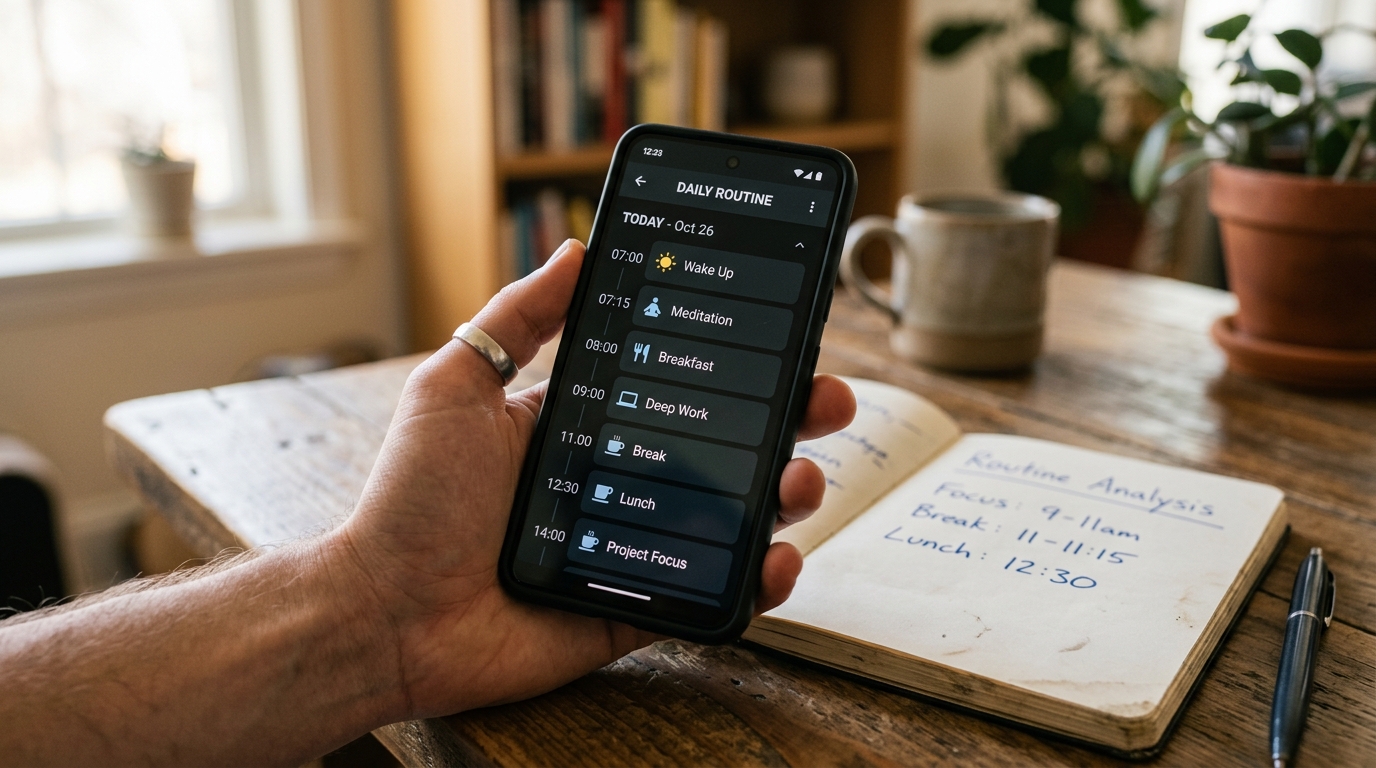
Some apps are built less around raw alerts and more around identifying patterns. These are useful when the pain point is inconsistency: changing sleep schedules, bursts of activity, or repeated online windows that are hard to spot manually. They can be a strong choice for people who need trend visibility rather than minute-by-minute checking.
Why do some users still rely on manual checking?
Because it feels simple at first. People open an app, look at status, and assume they can keep track themselves. But manual checking rarely scales. It is easy to miss patterns, and it encourages reactive behavior. If you are checking ten times a day, the process is already asking for a better method.
Which pain points matter most when comparing categories?
The comparison becomes clearer when you judge each category against the problem, not the marketing list.
| Category | Best for | Main strength | Main limitation |
|---|---|---|---|
| Last seen / online tracker | Visibility into messaging activity timing | Clear online pattern data | Narrower than full parental oversight |
| Parental monitor | General family supervision | Broader household context | Can be more than needed |
| Routine-analysis tool | Trend spotting over time | Highlights recurring behavior | Less useful for immediate checks |
| Manual checking | Occasional one-off verification | No setup | Inconsistent and easy to misread |
A simple rule I recommend: choose the smallest category that fully answers your question. That keeps the signal clean.
How should users prioritize privacy, visibility, and relevance?
This is where many comparisons go wrong. People often start with feature count, but the smarter order is relevance first, then privacy fit, then reporting quality.
Here is the decision framework I use when evaluating a mobile app category for family use:
- Define the exact question. Are you trying to understand bedtime disruption, repeated online windows, or broader device habits?
- Choose the narrowest useful category. If the issue is messaging presence, a status-focused tracker may be enough.
- Check whether the data is understandable. A monitor that produces noise is not helping.
- Look for pattern visibility, not just alerts. One alert is an event. A repeated pattern is actionable information.
- Make sure the app fits your comfort level. Families differ on what kind of oversight feels appropriate.
That middle point is important. A tool can be technically capable and still be the wrong category for your household.
What should you prioritize if your concern is WhatsApp or Telegram activity?
For WhatsApp and Telegram specifically, timing matters more than many users expect. In my research and product analysis around these platforms, I have found that people usually care about three things: frequency, timing, and repeat patterns. They are less interested in isolated check-ins than in whether online behavior is shifting into a routine.
That is why focused online tracker apps often make sense in this niche. They are designed to monitor activity windows rather than bury users in unrelated controls. For example, tools such as Luna for parental online tracking or Seen Last Online Tracker and SUNA fit scenarios where the question is specifically about last seen changes and online presence analysis. That is not the same use case as a full-spectrum parental control app, and it should not be evaluated the same way.
Why do users on iPhone models such as iPhone 11 or iPhone 14 compare categories differently?
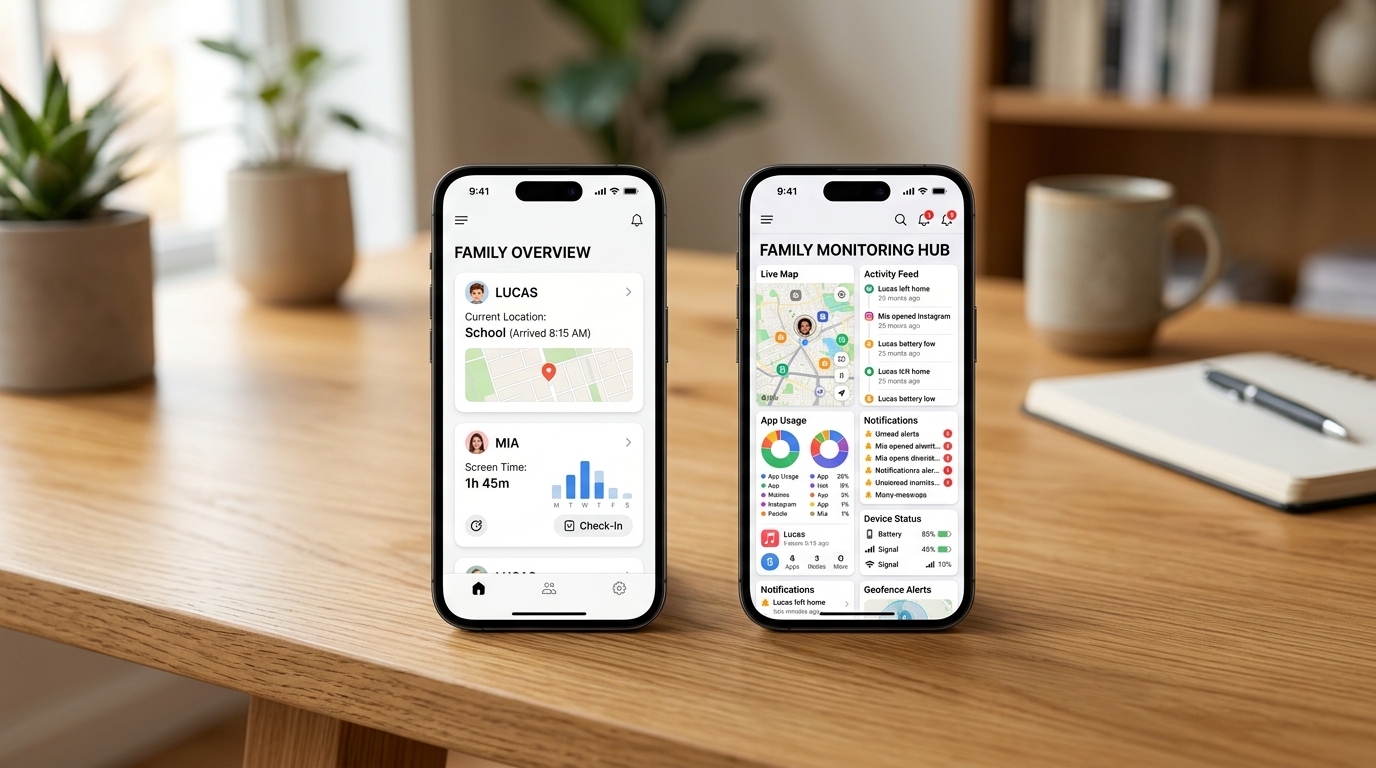
Device context affects expectations. Users on iPhone 11, iPhone 14, iPhone 14 Pro, or iPhone 14 Plus often expect apps to feel lightweight, clear, and tightly scoped. They generally do not want a cluttered interface that turns a simple question into a configuration project.
The same is true across carriers, whether someone uses T-Mobile or another provider. Network brand matters less than the app’s ability to present usable information. Families typically do not need more raw data; they need clearer interpretation.
That is one reason category fit matters so much on mobile. A crowded app can feel manageable on desktop and frustrating on a phone. The smaller the screen, the more important relevance becomes.
How can you tell when an app category is giving you too much or too little information?
A useful monitor answers your question faster over time. An unhelpful one creates repeated checking behavior. If you feel compelled to open the app constantly, that usually means one of two things: the category is too broad and noisy, or too thin and incomplete.
Watch for these signs:
- Too much information: endless alerts, unclear labels, too many unrelated metrics
- Too little information: no pattern view, no timing context, isolated events without history
- Right amount: recurring behavior becomes easy to identify in seconds
That balance is more important than headline features. I would rather have a focused tracker that clarifies one recurring issue than a larger app that confuses three.
What questions do users ask most before choosing a category?
Do I need a parental app or just an online tracker?
If the issue is mostly WhatsApp or Telegram presence patterns, a focused tracker is often enough. If the concern extends to overall device structure, the parental category is usually more suitable.
Is manual checking ever enough?
Only for short-term, occasional use. Once you are trying to compare days, hours, or repeated activity windows, manual checking becomes unreliable.
Should I choose the app with the most features?
Usually no. Choose the app category that best matches the decision you need to make. Excess features often reduce clarity.
How does this fit into Activity Monitor’s broader app verticals?
What I find sensible about category-focused product portfolios is that they acknowledge different user intents instead of forcing everyone into one tool. Activity Monitor’s verticals make the most sense when viewed this way: some users need parental visibility, some need last seen analysis, and some need a simpler routine-oriented tracker. Those are related needs, but they are not identical.
That distinction supports a broader point I often make when writing about family technology: product choices matter most when they map to actual household problems. Practical visibility is usually more useful than vague promises, especially when the goal is to understand patterns without adding unnecessary complexity.
What should users prioritize before downloading anything?
Start with the pain point, not the app store category page.
If the issue is a child staying online late, prioritize timing visibility. If the issue is broad device habits, prioritize parental structure. If the issue is repeated uncertainty rather than isolated incidents, prioritize pattern analysis. And if your current method is manual checking, ask whether you are spending effort simply to recreate what a well-designed tracker already summarizes.
The best app is rarely the one with the longest feature list. It is the one that turns scattered digital activity into a clear, usable answer.